
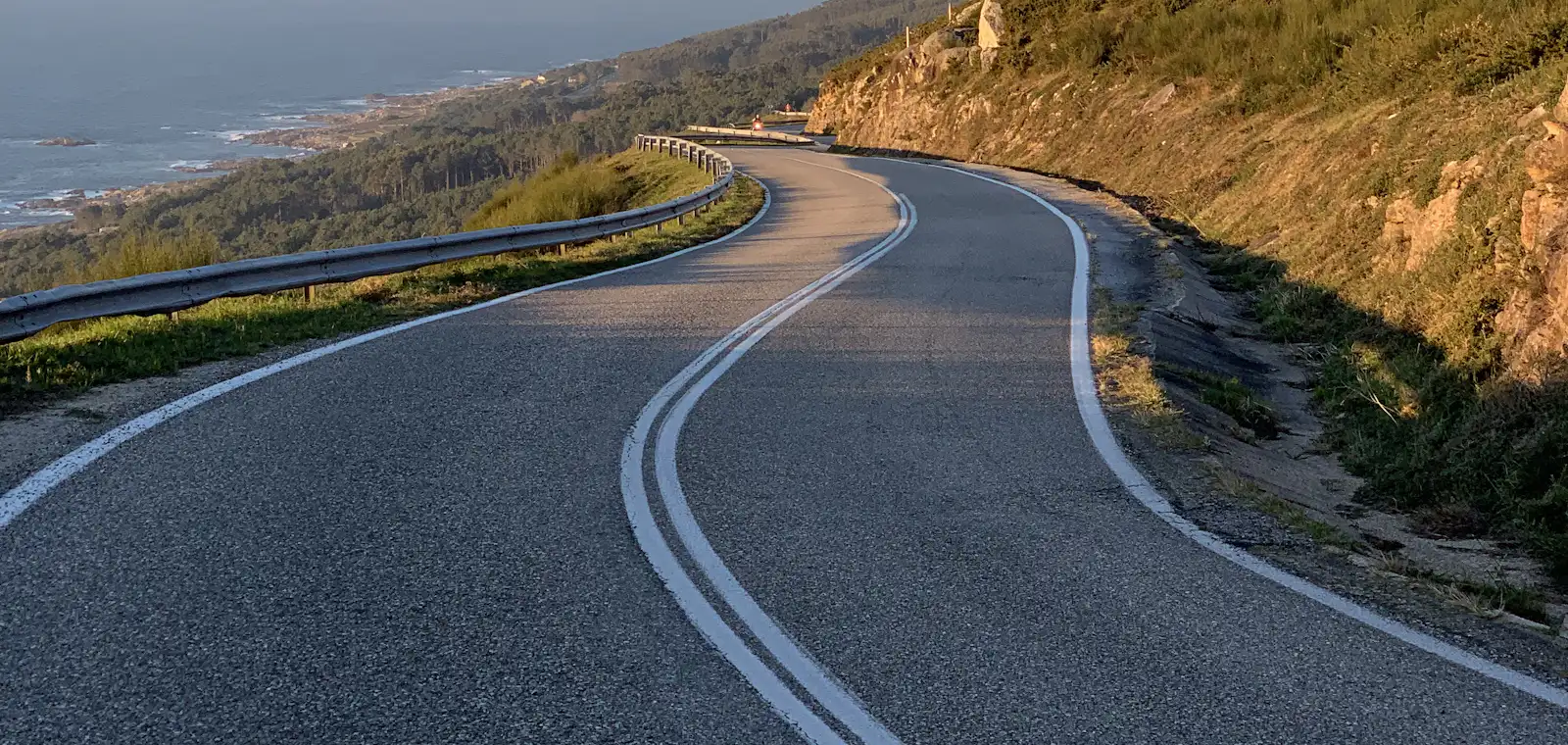
Plan a road trip with many stops, one day at a time
An independent guide to ordering stops, pacing drives and building a route you can follow offline.
Six trip shapes to start from
Compare planning tools-
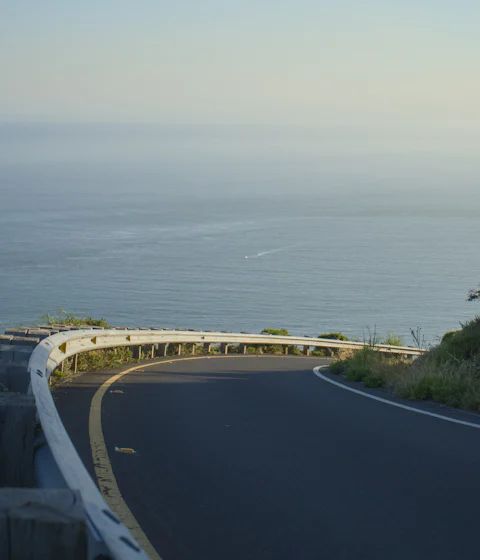
Coastal one-way
Follow the shore one way and fly home from the far end.
7–10 days, 5–7 bases, up to 3 h a day
-
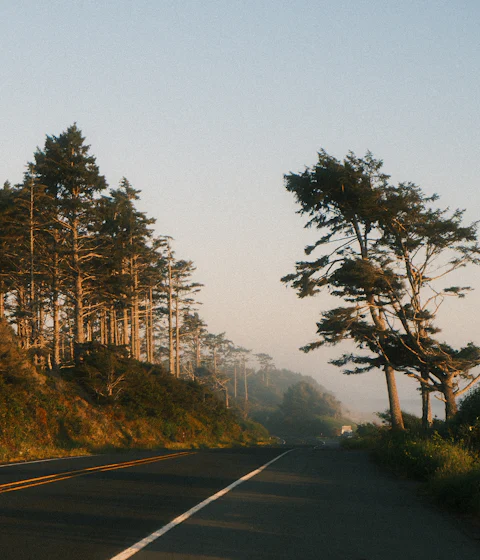
Forest and lakes loop
Short legs between lodges, with days left for walking.
5–7 days, 3–4 bases, up to 2 h a day
-
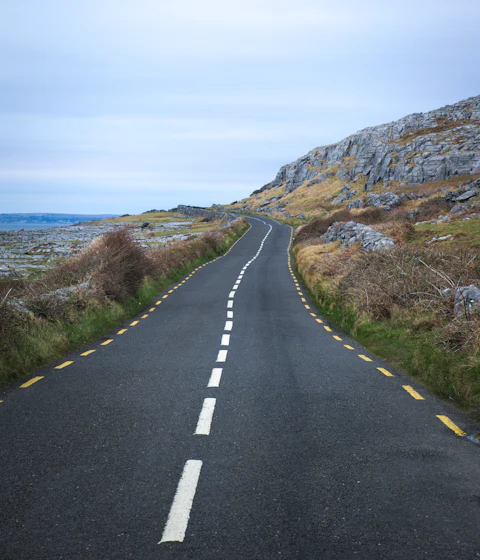
Backroads and villages
Slow roads, small towns and fuel stops marked in advance.
4–6 days, 4–5 bases, up to 3 h a day
-

City-hopping
Two nights per city, arriving outside rush hour.
6–9 days, 3–4 cities, up to 4 h a day
-
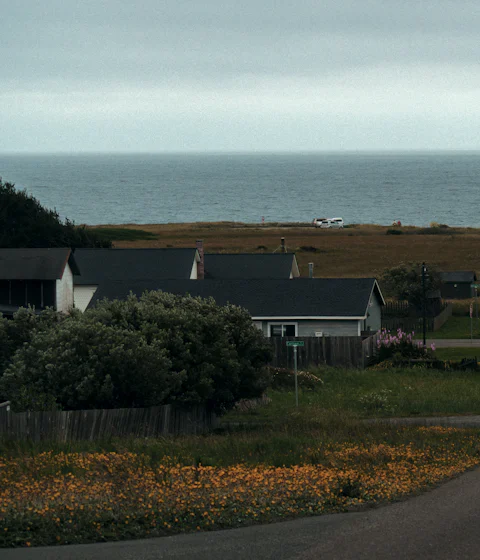
Seaside weekend
One base, a few day trips, no dawn starts.
2–3 days, 1 base, up to 1.5 h a day
-
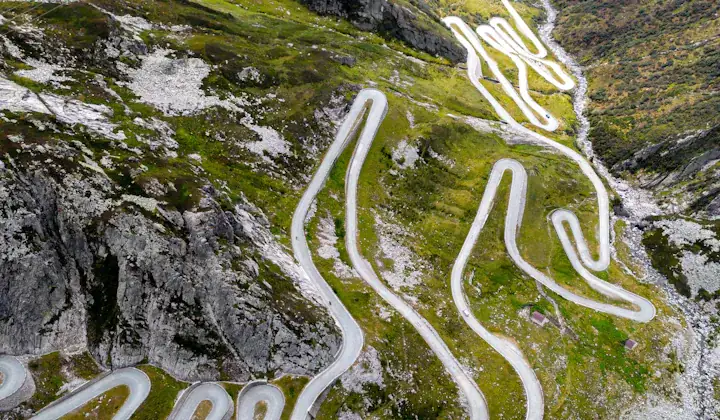
Mountain passes
Slow climbs and a plan B for every high road.
5–8 days, 4–6 bases, up to 2.5 h a day
Three steps to plan the route
-
Order the stops on one map
Group places within an hour of each other, then pick a loop or a one-way direction.
-
Set a pace you can keep
Add about a quarter to map estimates and follow a long drive with a short one.
-
Make it ready for the road
Attach bookings to each day, add a plan B and download offline maps.
Spreadsheet, notes app or planner app
All three hold an itinerary; they differ in how much routing work they do for you.
| What you need | Spreadsheet | Notes app | Trip planner app |
|---|---|---|---|
| Stops shown on a map | — | — | |
| Drive times between stops | Typed by hand | Typed by hand | Often estimated |
| Reordering stops | Cut and paste rows | Move text around | Drag and drop |
| Shared editing | Online sheets only | Depends on app | |
| Offline access | If saved locally | Check before you go |
Features change, so check any app yourself before relying on it.
Checklist before you set off
Run through it a week before you leave.
The route
- Every overnight stop confirmed
- Offline maps for each region
The car
- One-way or cross-border rental terms read
- Fuel or charging stops on empty stretches
The paperwork
- Confirmations attached to each day
- Plan shared with everyone travelling
From the blog
All articles Routing
How to order road trip stops without backtracking
Group stops into clusters on one map, choose a loop or a one-way line, then order the days so the route never crosses itself. A simple method for any trip.
- Pacing How long to drive each day on a multi-stop trip Map estimates leave out stops and traffic. How to pad drive times, set a daily limit for your group and alternate long and short days on a multi-stop trip.
- Pacing Building buffer days into a road trip itinerary A buffer day is an unbooked day that absorbs delays or becomes free time. How many to add for trips of different lengths and where they work best in a route.
Questions about planning multi-stop trips
How many stops are too many for one day?
Two or three stops plus the drive is a comfortable day for most people.
Should I plan a loop or a one-way route?
A loop is simpler with one airport and one rental desk. A one-way route avoids repeated roads but can add a drop-off fee.
How much extra time should I add to map estimates?
Around a quarter on ordinary roads, and more for mountains, cities or children.
Do I need a dedicated app to plan a road trip?
No. A planner app mainly saves time on mapping and sharing as the number of stops grows.
Is this site linked to any trip planner?
No. This is an independent guide, and apps appear only as examples. Some links lead to third-party offers; see the Disclaimer.
Ready to put your stops on a map?
Lay out the days, then share one plan with everyone in the car.
Try WanderlogOpens the official Wanderlog website in a new tab. We may earn a commission if you buy.