How to order road trip stops without backtracking
Group stops into clusters on one map, choose a loop or a one-way line, then order the days so the route never crosses itself. A simple method for any trip.
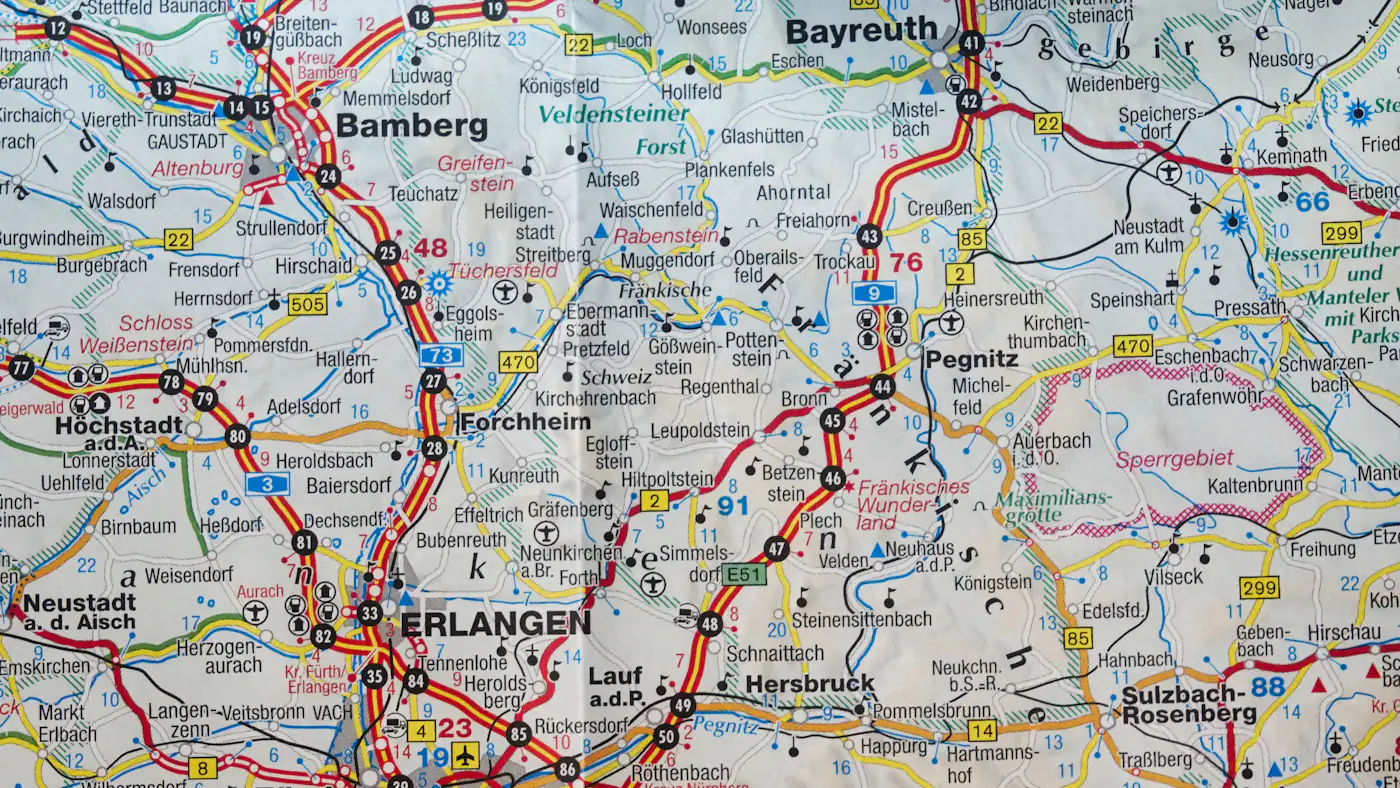
Backtracking usually starts on the first evening of planning, when stops go onto a list in the order you thought of them. The list looks fine until you see it on a map and the line crosses itself three times. A few habits keep the route moving in one direction.
Put every stop on one map before you order anything
Drop a pin for each place you want to see, including the vague ones. Don't number them yet. Once everything is visible, clusters appear on their own: three villages within half an hour of each other, a lake that sits between two towns you had planned on separate days.
Circle each cluster. A cluster is a set of places you can reach from one base without long drives in between. Most trips end up with somewhere between three and six of them.
Choose a loop or a one-way line
Next, decide the overall shape. A loop starts and ends at the same airport or home, which keeps car hire simple. A one-way line follows a coast or valley and finishes somewhere else, so you never drive the same road twice, but a rental company may charge a drop-off fee.
If your clusters sit roughly in a ring, a loop is the obvious choice. If they run along a coast or a river, a one-way line usually wastes fewer hours.
Pick a direction with a reason
Clockwise or anticlockwise matters more than it seems. Some reasons to choose one over the other:
- Driving on the sea side of a coastal road makes it easier to pull in at viewpoints.
- Ending near the airport the night before a flight removes a stressful morning drive.
- Putting the busiest city in the middle of the week can avoid weekend traffic.
Order the clusters, then the stops inside them
With a direction set, number the clusters along the line. Only then order the stops within each one. Inside a cluster, a simple rule works well: visit the farthest stop first in the morning and work back towards your base, so the day ends with a short drive.
Watch for a stop that sits awkwardly between two clusters. You can attach it to the end of one day as a transfer stop, or drop it. A single detour that adds two hours of driving for a short visit is often the thing that makes a day feel rushed.
Check the line for crossings
Draw the route on the map in order. If the line crosses itself, two stops are probably in the wrong cluster or the wrong order. Swap them and check again. A route with no crossings is not always the shortest, but it is rarely far off, and it is much easier to follow.
Ferries, mountain passes and seasonal roads can break this rule. A road closed in winter can turn a neat loop into an out-and-back, so check opening dates before you commit.
Where to go next
Once the order is fixed, the next question is how far to drive each day; the article on daily driving time covers that. If you would rather drag pins around than redraw a paper map, a planner app such as Wanderlog shows stops on a map and lets you reorder them. A spreadsheet and a printed map will do the same job with a bit more effort.